
Workplace Hearing Accessibility Tips That Improve Every Call
Improve workplace hearing accessibility with practical call tips for captions, real-time text, training, compliance, and clearer communication.
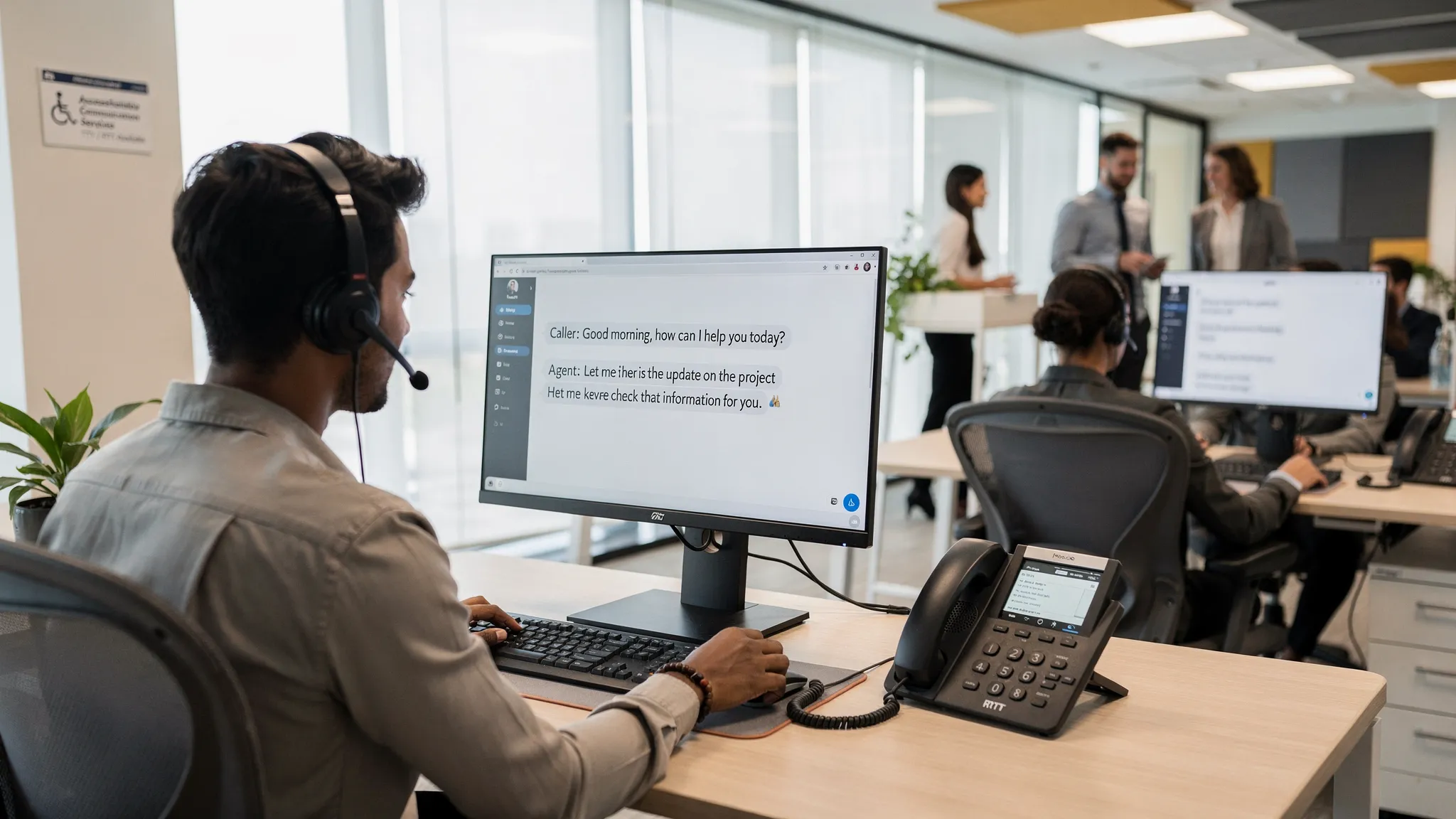
Every workplace call should be easy to understand, respond to, and document. Yet for employees, customers, patients, constituents, and partners with hearing loss, a routine phone call can become a source of friction if the organization relies on voice alone.
That is not a niche issue. The National Institute on Deafness and Other Communication Disorders reports that about 15% of American adults report some trouble hearing. In a large enterprise, that can include employees in every department, callers who never disclose a disability, and people who only need support in certain conditions, such as noisy environments, poor connections, accents, fatigue, or high-stakes conversations.
Workplace hearing accessibility is not just about compliance. It improves call quality for everyone by reducing misunderstandings, repeat calls, missed details, and communication stress. The best approach combines accessible phone technology, clearer call practices, and an enterprise-wide plan for consistent support.
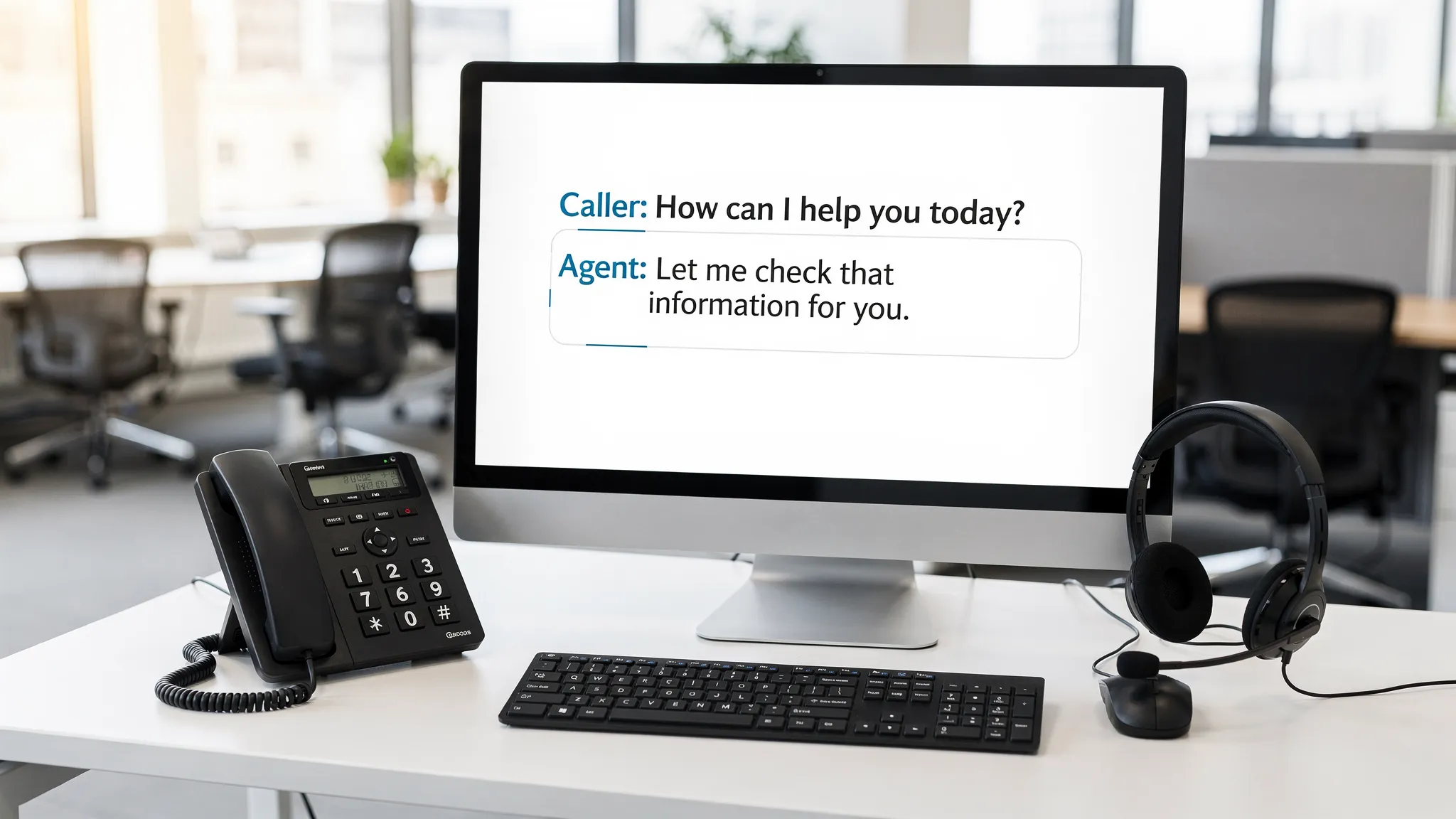
Think beyond louder audio
Many organizations start with volume controls, amplified headsets, or speakerphones. Those tools can help, but they do not solve every hearing accessibility challenge. Hearing loss varies widely. Some people hear low tones but miss high-frequency consonants. Others may hear a voice but struggle when two people talk at once, when audio is distorted, or when a caller gives numbers quickly.
Good workplace hearing accessibility gives people multiple ways to receive and respond to information. Voice remains available, but it is supported by captions, real-time text, clear call workflows, and trained communication habits.
| Common call barrier | Accessibility improvement | Benefit for every caller |
|---|---|---|
| Background noise | Quiet spaces, noise-reducing headsets, better microphones | Fewer repeats and shorter calls |
| Fast speech or accents | Live captions, summaries, clear turn-taking | Better comprehension and documentation |
| Weak or distorted audio | Reliable phone software, tested devices, fallback text options | Less frustration and fewer missed details |
| Multi-party calls | Speaker identification, meeting etiquette, captioning | Clearer accountability and decisions |
| Emergency or urgent calls | Accessible routing, RTT or TTY support where appropriate | More reliable communication under pressure |
The goal is not to create a separate experience for people with hearing loss. The goal is to make the standard communication experience flexible enough to work for more people, more of the time.
Make captions available wherever calls happen
Captions are one of the most practical ways to improve hearing accessibility in the workplace. They support employees who are deaf or hard of hearing, but they also help people in noisy offices, multilingual teams, and anyone handling detailed information such as names, numbers, addresses, product codes, or legal terms.
For business calls, captions are most useful when they are easy to activate and available in the actual tools people use. If captions only work in a separate app that requires a complicated login, adoption will be low. If captions work across common phone workflows, including direct calls, transferred calls, conference calls, and customer-facing calls, accessibility becomes part of normal operations.
When evaluating captioning for the workplace, look beyond whether captions exist. Consider quality, speed, security, and administrative control.
| Captioning factor | Why it matters |
|---|---|
| Accuracy | Mistakes in names, numbers, or technical terms can change the meaning of a call |
| Latency | Delayed captions make live conversation harder to follow |
| Speaker context | Knowing who is speaking helps during multi-party calls |
| Privacy controls | Calls may include confidential HR, legal, healthcare, or customer information |
| Ease of use | Employees should not need a complex workaround to access captions |
Captions also improve continuity. When a call ends, employees can confirm details in a follow-up message, compare notes, or verify decisions. Depending on your organization’s policies and regulatory obligations, you should define how caption data is handled, stored, or not stored.
Support real-time text and TTY over IP
Captions help people receive spoken information. Real-time text and TTY support help people communicate when voice is not the best or safest option.
The Federal Communications Commission describes real-time text, or RTT, as text that is transmitted instantly as it is typed, without requiring the sender to press send. That immediacy makes RTT more conversational than standard messaging and more useful in urgent or back-and-forth exchanges.
RTT can support employees and callers who are deaf, hard of hearing, have speech loss, or need a text-based option during a call. It can also be valuable in environments where speaking is difficult, such as a noisy facility, a shared workspace, or a sensitive situation where privacy matters.
TTY over IP remains important as well. Many organizations still need to communicate with people, agencies, or systems that rely on TTY. For enterprises, healthcare environments, government offices, education, public safety, and large workplaces with diverse callers, supporting TTY over IP helps prevent accessibility gaps during modernization.
The key is to avoid designing a voice-only pathway and then treating text communication as an exception. Accessible telephony should let users move between voice, captions, RTT, and TTY-compatible workflows based on what the call requires.
Reduce audio barriers before they reach the user
Not every accessibility improvement requires a new platform. Many hearing accessibility issues begin with preventable audio problems. Poor microphones, open office noise, echo, and bad call etiquette can make even the best captioning or assistive tool work harder than necessary.
Start with the places where calls happen most often. Contact centers, reception desks, HR offices, IT support desks, conference rooms, and manager workstations are all high-impact areas. A quiet call space with a reliable headset can make a major difference for employees and callers.
Headsets should be comfortable, adjustable, and compatible with the phone environment. Microphones should reduce background noise without cutting off speech. Shared conference rooms should be tested for echo and uneven sound pickup, especially if remote participants regularly join.
It also helps to set simple environmental norms. Encourage employees to take sensitive or complex calls away from loud common areas. Avoid speakerphone use in noisy rooms. Make sure voicemail greetings are recorded slowly and clearly. These changes are not only accessibility improvements, they are basic communication quality improvements.
Train teams to communicate clearly on every call
Accessible technology works best when people also know how to communicate accessibly. Training does not need to be complicated. Most call-quality improvements are practical habits that benefit all callers.
A simple workplace call standard can include these behaviors:
- Identify yourself at the beginning of the call and when joining a group conversation.
- Speak at a steady pace and avoid rushing through names, numbers, dates, and addresses.
- Pause between speakers so captions, interpreters, or text-based tools can keep up.
- Avoid talking over other people, especially on conference calls.
- Confirm critical details by repeating them clearly.
- Use phonetic spelling for names, codes, or email addresses when needed.
- Summarize decisions, next steps, and deadlines before ending the call.
- Offer a written follow-up when a call includes complex or high-risk information.
Managers should model these habits. Accessibility training is more effective when it is presented as part of professional communication, not as a special rule for a small group of employees.
This is also where culture matters. Employees should be able to use captions, text communication, or accessible phone features without feeling like they are creating inconvenience. The easier and more normal these tools feel, the more likely people are to use them before communication breaks down.
Design accessible phone workflows, not just accessible calls
A call is more than the moment two people start speaking. It includes finding the right number, navigating a phone tree, leaving a voicemail, transferring to another department, escalating to emergency support, and documenting the outcome.
If any step in that journey is inaccessible, the call can fail.
| Workflow area | What to check |
|---|---|
| Directories and contact pages | Phone numbers, text alternatives, and support options are easy to find |
| IVR and phone menus | Prompts are clear, not rushed, and allow enough time to respond |
| Transfers | Captions, RTT, or TTY support do not disappear when a call is transferred |
| Voicemail | Users have an accessible way to receive, review, and respond to messages |
| Internal support | Employees know how to request accessible phone tools without public disclosure |
| Emergency calling | Accessibility is considered for urgent and 911-related communication paths |
Emergency communication deserves special attention. As public safety systems continue moving toward Next Generation 911, organizations should understand how accessible communication methods fit into emergency calling. The national 911.gov overview of NG911 explains that NG911 is designed to support modern, IP-based emergency communications. For workplaces, this makes it important to think about voice, text, routing, location, and device compatibility as part of a broader accessibility strategy.
Align hearing accessibility with ADA, Section 508, and procurement goals
Accessibility requirements depend on your organization type, industry, contracts, and jurisdiction, so legal counsel should guide specific obligations. Still, several standards and mandates often shape workplace hearing accessibility decisions.
Under the ADA, employers may need to provide reasonable accommodations for qualified employees with disabilities unless doing so would create undue hardship. The EEOC guidance on reasonable accommodation is a useful reference for understanding the employment context.
Section 508 is especially important for federal agencies and organizations that sell to or support federal environments. It requires federal information and communication technology to be accessible, and Section508.gov provides practical guidance on the law and related policies.
| Requirement or standard | Why it matters for workplace calls |
|---|---|
| ADA | Supports reasonable accommodation planning for employees with hearing-related disabilities |
| Section 508 | Guides accessible ICT decisions for federal agencies and many vendors serving them |
| NG 9-1-1 | Encourages planning for modern emergency communication, including text-capable workflows |
| Internal accessibility policies | Helps standardize tools, training, documentation, and support across departments |
Procurement teams should treat hearing accessibility as a requirement from the beginning, not as an add-on after a phone system is selected. Ask vendors how their tools support captions, RTT, TTY over IP, assistive technology compatibility, desktop accessibility, administrative control, and enterprise deployment.
For organizations using Cisco phone environments, integration should be part of the evaluation. Accessibility tools are easier to adopt when they fit existing telephony workflows instead of forcing employees into a separate, disconnected process.
Choose tools that match real workplace scenarios
The best accessible phone solution depends on how your organization actually communicates. A corporate headquarters, hospital, university, government agency, manufacturing site, and distributed customer support team may all have different call patterns.
Before selecting or expanding technology, map the most common scenarios. Include internal calls, external customer calls, reception and routing, HR and benefits conversations, IT help desk calls, emergency calls, and conference calls. Then identify where hearing access is most likely to break down.
Useful evaluation questions include:
- Does the solution support captions, real-time text, and TTY over IP where needed?
- Can employees use accessible features without a complicated IT request every time?
- Does it integrate with the existing phone system, including Cisco phones if relevant?
- Can administrators manage access across teams, locations, or departments?
- How does the solution handle privacy, call data, and sensitive information?
- What support is available for ADA, Section 508, or NG 9-1-1 planning?
Do not rely only on a feature checklist. Include people with hearing-related access needs in testing, if they are willing to participate. Their feedback will reveal issues that technical testing often misses, such as captions that lag too much for customer calls or interface controls that are difficult to find during a fast transfer.
Roll out improvements in phases
Enterprise accessibility projects work best when they are structured, measurable, and realistic. You do not need to fix every call workflow at once. Start with the highest-impact areas and build from there.
Begin with an audit. Identify what phone systems, devices, captioning tools, relay options, text channels, and emergency workflows are currently in use. Review accommodation requests and support tickets for recurring issues. Talk with HR, IT, legal, compliance, facilities, and employee resource groups to understand practical needs.
Next, pilot improvements in a department where call quality matters and feedback will be easy to gather. HR, IT support, reception, contact centers, and public-facing teams are often strong candidates. Use the pilot to test captions, RTT, TTY over IP workflows, training materials, and support processes.
Then measure what changes. Accessibility should improve the experience, but it should also reduce operational friction.
| Metric | What it can reveal |
|---|---|
| Repeat-call frequency | Whether callers need to call back because details were missed |
| Accommodation fulfillment time | How quickly employees receive accessible communication support |
| Caption or RTT adoption | Whether tools are easy enough for regular use |
| Support tickets | Where users still struggle with devices, software, or workflows |
| Employee feedback | Whether the solution feels reliable, private, and respectful |
| Emergency communication testing | Whether urgent workflows include accessible options |
Finally, document the standard. Clear guidance helps new employees, managers, IT teams, and procurement stakeholders understand what accessibility features exist and how to request or deploy them.
Frequently Asked Questions
What is workplace hearing accessibility? Workplace hearing accessibility means designing phone calls, meetings, devices, software, and communication workflows so people who are deaf or hard of hearing can participate effectively. It can include captions, real-time text, TTY support, accessible phone interfaces, quiet call spaces, and clear communication practices.
Are captions enough for hearing accessibility at work? Captions are important, but they are not always enough. Some users also need real-time text, TTY compatibility, visual alerts, accessible voicemail, better audio equipment, or changes to call procedures. A strong program offers multiple communication options.
What is the difference between RTT and TTY? Real-time text sends characters as they are typed, making it useful for live conversation on modern networks. TTY is an older text telephone technology that many organizations still need to support for compatibility with certain users, systems, and public-sector workflows.
Does the ADA require a specific phone system? The ADA does not typically name one specific phone system for every workplace. Instead, employers may need to provide reasonable accommodations based on individual needs and job requirements. Organizations should consult legal counsel for specific obligations.
How can we improve call accessibility without replacing everything? Start with training, better headsets, quieter call spaces, clearer voicemail scripts, written follow-ups, and captioning where available. Then evaluate software that can integrate with your existing telephony environment and close larger accessibility gaps.
Make every workplace call easier to understand
Hearing accessibility is a practical investment in clearer communication, better employee experience, and stronger compliance readiness. When calls are easier to hear, read, follow, and confirm, everyone benefits.
Tenacity helps organizations build accessible workplace communication with accessible phone system software, TTY over IP support, enterprise captioning solutions, real-time text communication, Cisco phone integration, desktop accessibility applications, and expert consultation for ADA, Section 508, and NG 9-1-1 needs.
If your organization is ready to improve workplace hearing accessibility across enterprise telephony, connect with Tenacity to explore solutions that support clearer, more inclusive calls.